
One organized library
Scan a folder once and browse your supported games with clean artwork and metadata.
All-in-one Android experience
Lemuroid combines a unified game library with practical controls, saves, display settings, and support for phones, tablets, and Android TV.
Scan a folder once and browse your supported games with clean artwork and metadata.
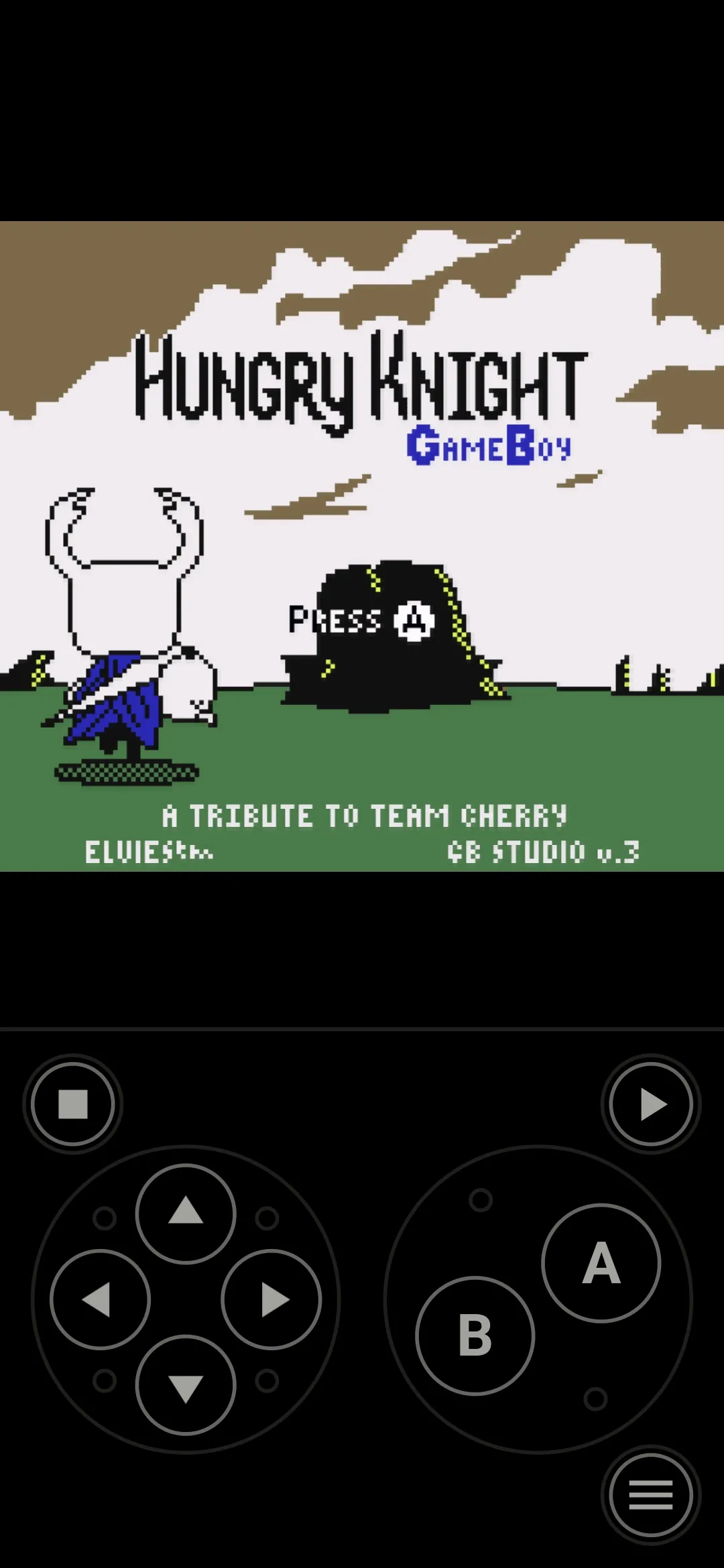
Use responsive on-screen controls with configurable size and position.
Connect a gamepad, use local multiplayer, and map quick-save or quick-load shortcuts.
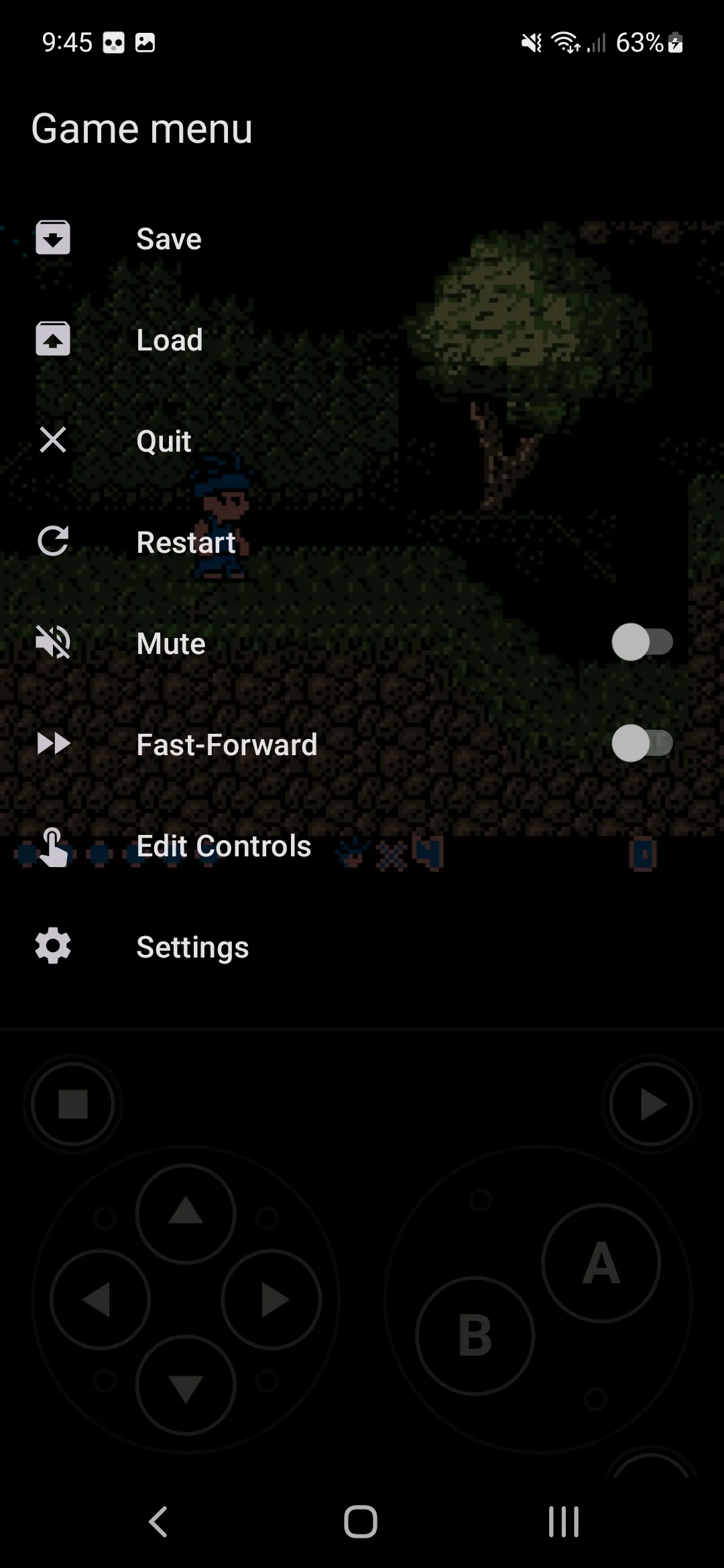
Use normal in-game saves, quick states, and automatic state restoration.
Play across phones, tablets, and Android TV with a native, focused experience.
Choose display simulation, HD mode, and practical settings for each system.
The real interface
Browse organized cover art, play with touch controls, and reach the save and display settings you use most.
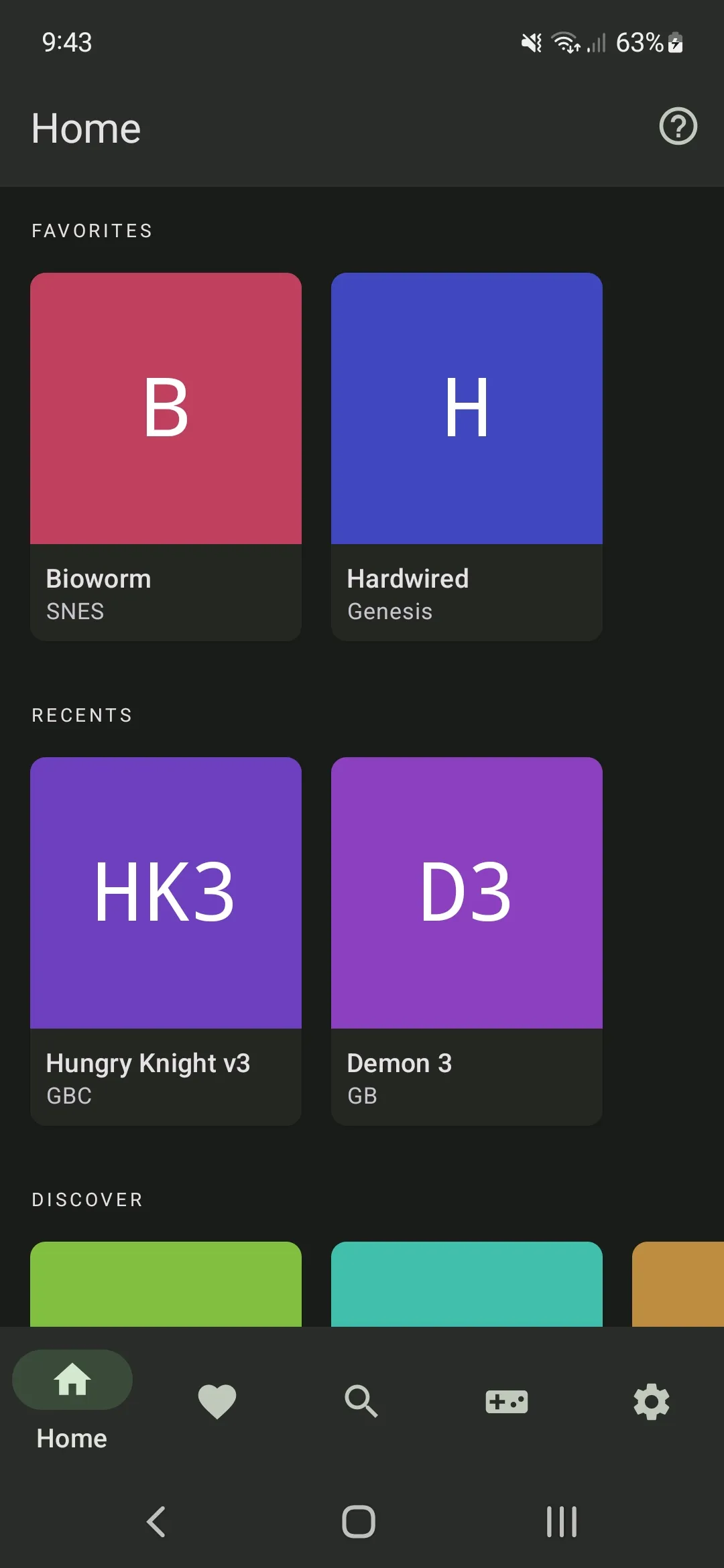
Point Lemuroid to a folder containing backups from games you legally own. It scans supported files and builds one browseable library across GBA, GBC, NDS, console, handheld, and arcade systems.
On-screen controls are designed for Android and can be adjusted for comfortable play. Compatible gamepads add physical controls, local multiplayer, and shortcuts for quick-save and quick-load actions.
Use a game's normal save system alongside quick states and automatic state restoration. Important in-game saves should still be backed up before moving files, changing devices, or reinstalling Android.
Display simulation and HD mode let you tune the picture, while the default settings provide a sensible place to begin. Results vary by system, game, Android device, and selected settings.
The same library-focused experience works across Android form factors. Touch is practical on phones and tablets, while Android TV is best paired with a compatible controller.
Choose the recommended Google Play install or the official GitHub-hosted APK on the download page.