
One organized library
Scan a folder once and browse your supported games with clean artwork and metadata.
 Free · Open source · Android
Lemuroid brings supported classic systems into one clean app with optimized touch controls, gamepad support, quick saves, and an experience designed for Android.
Current release: v1.17.0 · Google Play is the primary verified download.
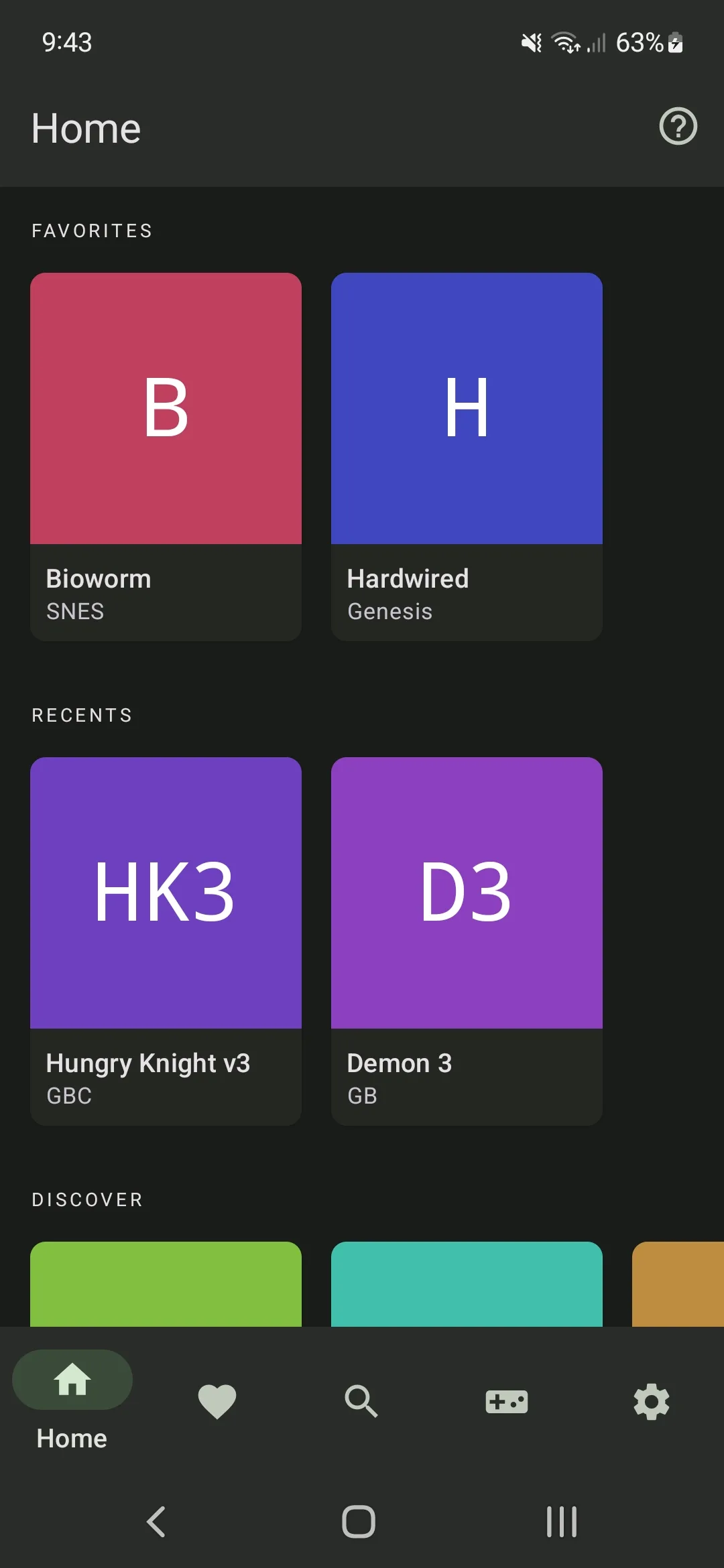 Your games, organized
A simpler way to play
Lemuroid handles the library and controls so you can spend less time configuring and more time playing.
Scan a folder once and browse your supported games with clean artwork and metadata.
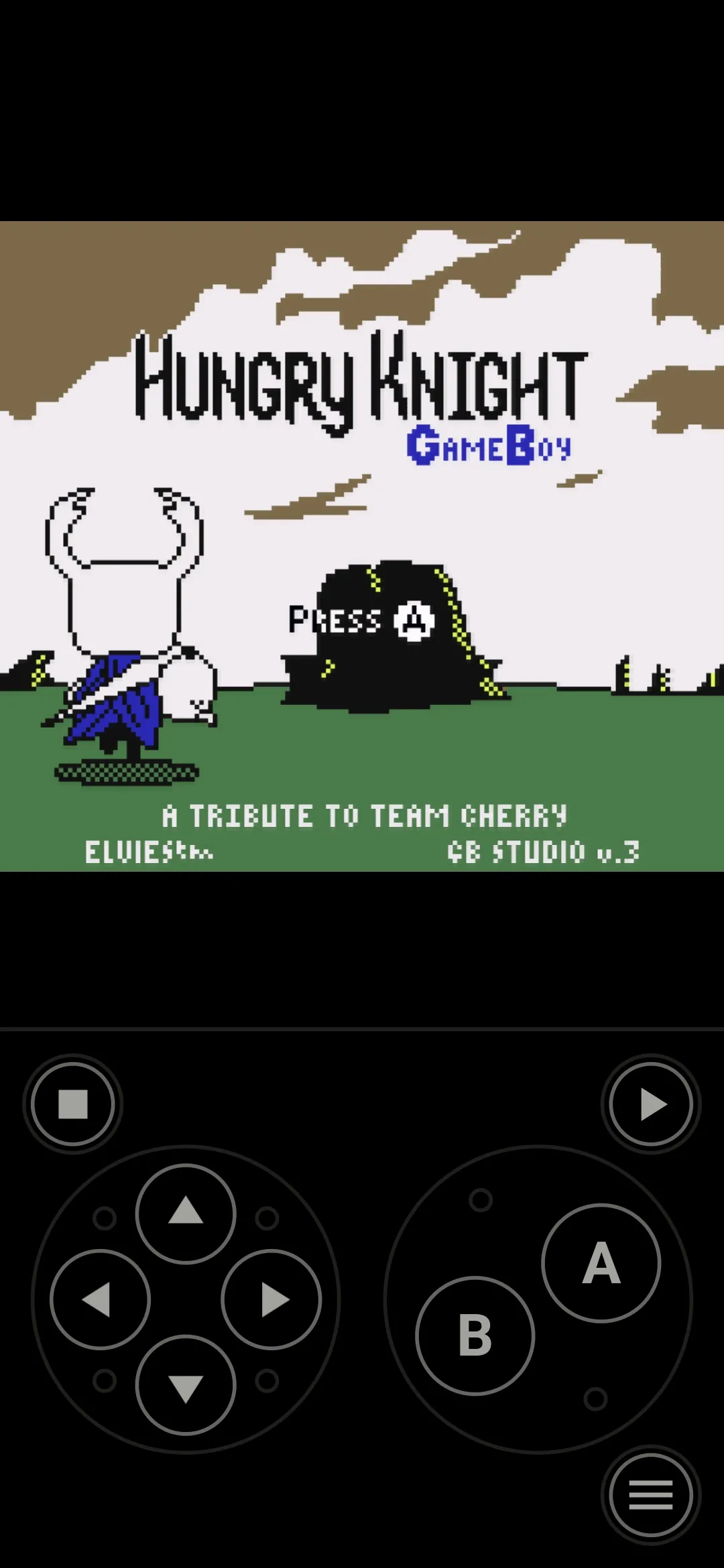
Use responsive on-screen controls with configurable size and position.
Connect a gamepad, use local multiplayer, and map quick-save or quick-load shortcuts.
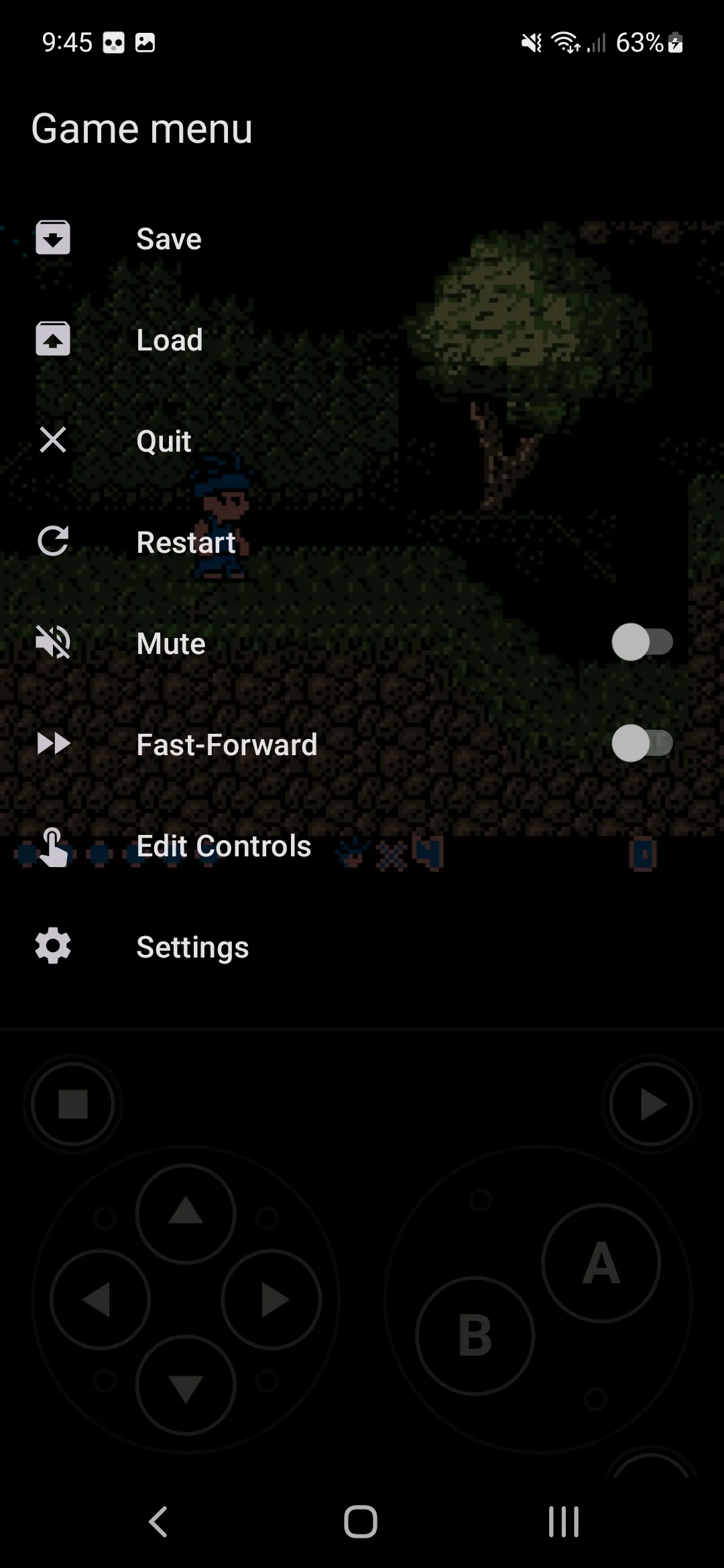
Use normal in-game saves, quick states, and automatic state restoration.
Play across phones, tablets, and Android TV with a native, focused experience.
Choose display simulation, HD mode, and practical settings for each system.
23 system categories
Keep GBA, GBC, NDS, Atari, Sega, PlayStation, arcade, and other supported libraries together in one Android app.
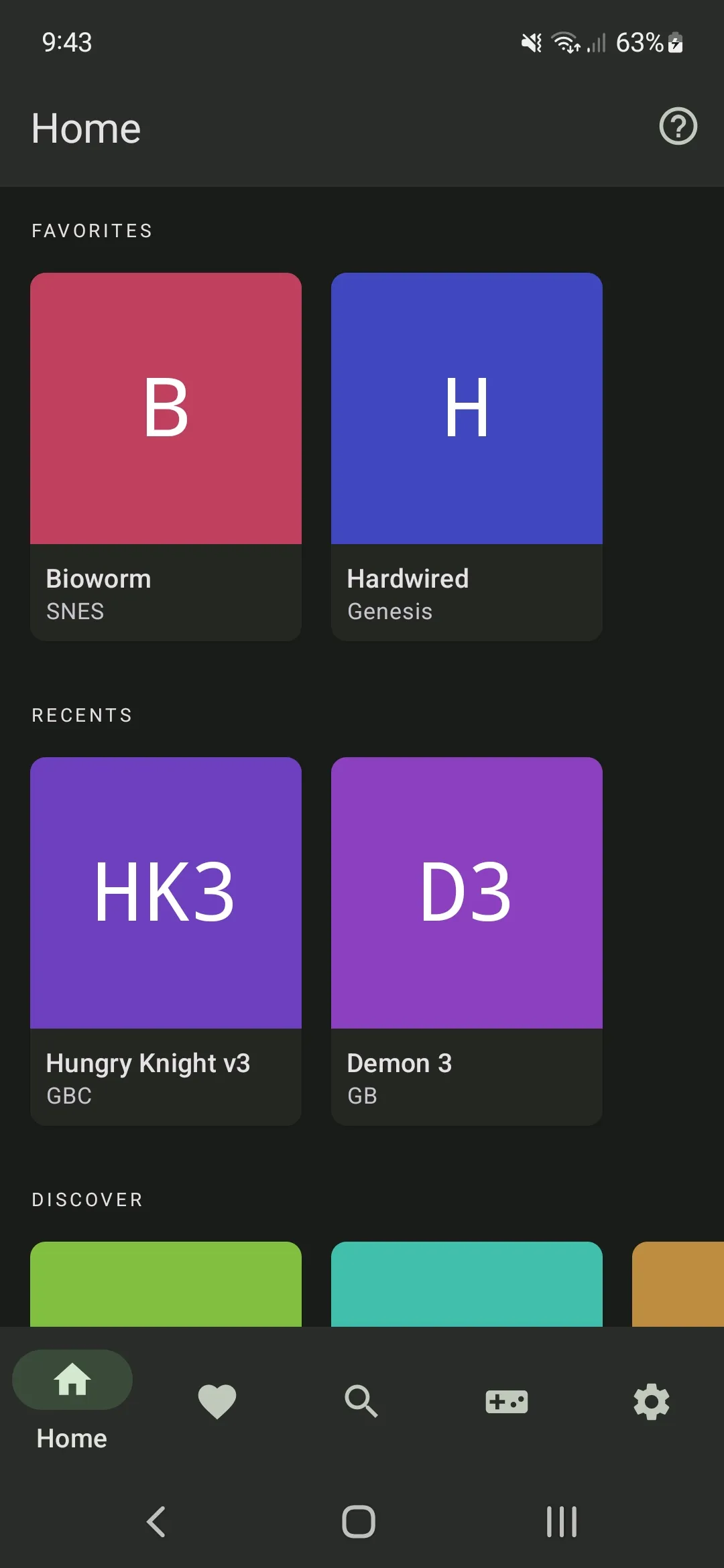
The real Lemuroid interface
Browse your collection, play with touch controls, and adjust the settings that matter.
Get started
Visit the download page and choose the recommended Google Play install or the official APK.
Select a folder containing backups from games you legally own. No games are included.
Lemuroid indexes supported files and builds a library you can browse and launch.
Made for Android
Move from touch play to a controller and TV while keeping the same simple library experience.
Common questions
Lemuroid is a free, open-source emulator for Android based on Libretro. It organizes supported games into one library and is designed to work across phones, tablets, and Android TV devices.
No. Lemuroid does not include game files. Add backups from games you legally own and follow the laws that apply where you live.
Open the verified Google Play listing, install the app, then choose the folder that contains your legally obtained game files. Lemuroid scans supported files and adds them to your library.
The current release lists 23 system and platform categories, including Atari, Nintendo, Sega, PlayStation, NEC, SNK, WonderSwan, and FinalBurn Neo arcade support. See the Supported Systems page for the complete directory.
Performance depends on the Android device, game, selected core, and settings. Newer systems such as PSP, Nintendo DS, Nintendo 3DS, and Nintendo 64 generally need more capable hardware.
Yes. Lemuroid supports gamepads and local multiplayer. The current release also supports quick-save and quick-load gamepad shortcuts.
Safe Android downloads
Choose the recommended Google Play install or the official GitHub-hosted APK on the download page.